
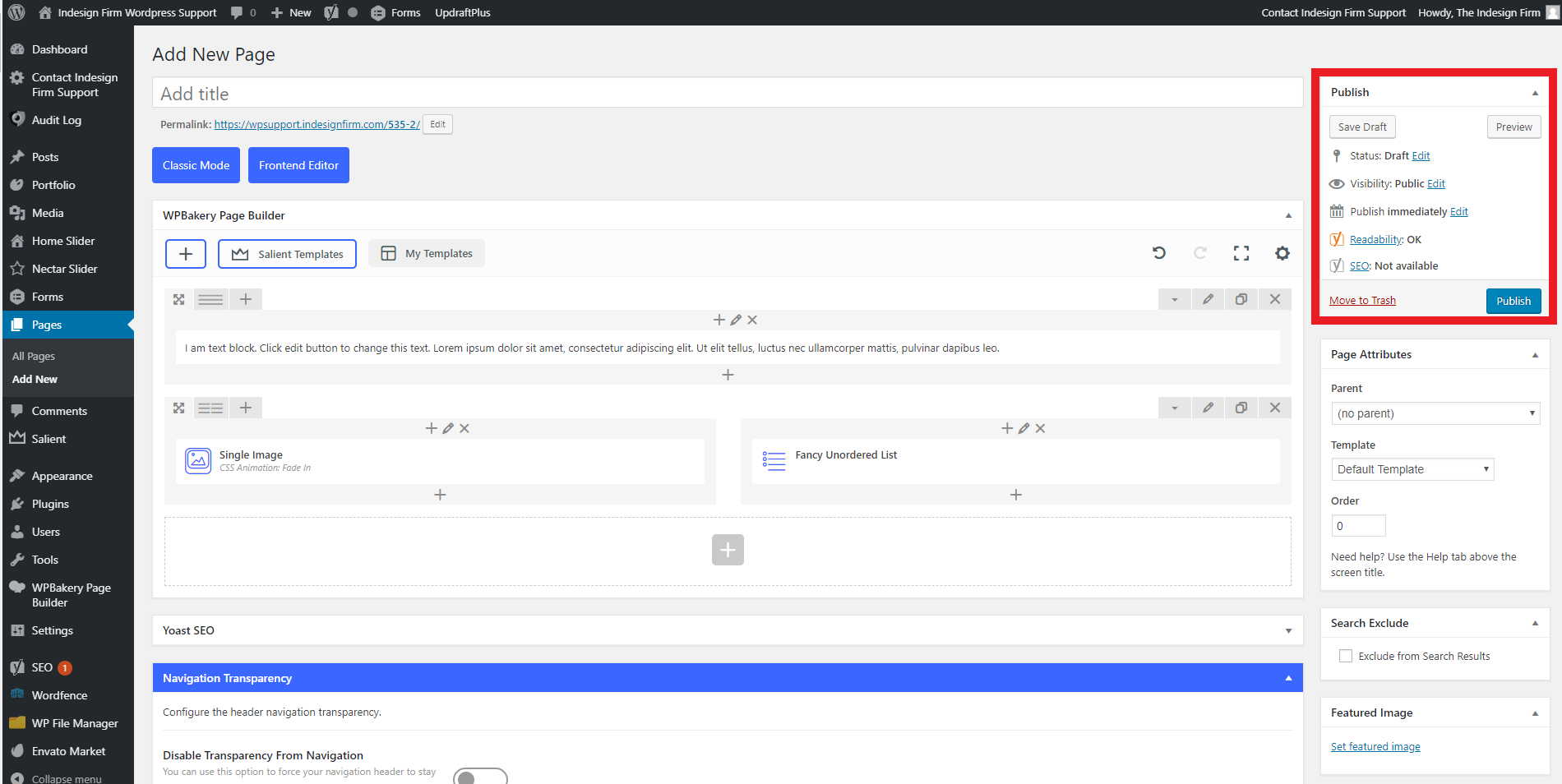
When you first create a new page, it starts as a Draft. A Page Draft is not visible to the public, and cannot be found on the live website. A Published Page is visible to the public and can be found on the live website. The “Publish” block on the right toolbar allows you to check whether a page is a Draft or if it has been Published. You can change between the two as well, by using the “Status” dropdown.
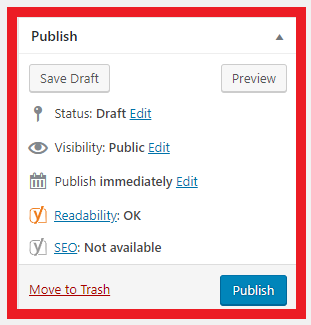
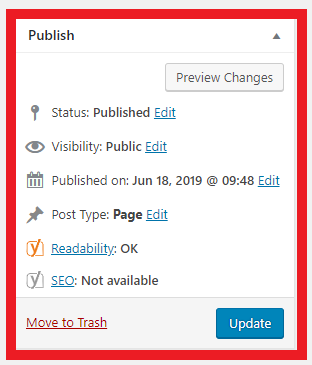
“Save Draft” saves your progress on the Draft without publishing it. “Publish” will turn the Page Draft into a Published Page. “Preview” allows you to view changes without publishing the edits to the live website. “Preview” works the same whether the page is a Draft or it is Published. Once the page has been Published, the blue “Publish” button will change into a blue “Update” button. “Update” will change the Published page to reflect any changes you have made to the page.